Tax Season Is Over. Now Automate the Rest of Your Finances.
You just survived tax season. Use that momentum to automate your personal finances with AI before the awareness fades.

You just spent weeks gathering receipts, reviewing statements, and confronting exactly how much you spent on DoorDash last year. Tax season forces a level of financial awareness most people avoid the other eleven months. The question is whether you let that clarity fade by mid-April or channel it into a system that works year-round.
Automating your personal finances with AI is not about handing over control. It is about building visibility and structure so that the next tax season — and every month in between — runs itself.
The Post-Tax Window Is Real
Behavioral economists have a name for what happens after tax season: financial salience. You have just been forced to look at your money in granular detail. You know your income sources, your deduction categories, your spending patterns. That knowledge decays fast. By May, most people are back to checking their bank balance once a week and hoping the number looks right.
This window — the two to three weeks after filing — is the highest-leverage moment to set up financial automation. You have the context. You have the motivation. You just need the system.
What Financial Automation Actually Looks Like
Budget Tracking That Does Not Require a Spreadsheet
Traditional budgeting apps ask you to categorize every transaction, set spending limits, and review dashboards weekly. Most people use them for two months and then stop.
AI-driven budget tracking works differently. It categorizes transactions automatically based on merchant data and patterns. It learns that your $4.50 charge at the same place every morning is coffee, not dining. It flags anomalies — a subscription price increase, an unexpected recurring charge, a category where spending jumped 30% month over month — without requiring you to open an app.
The shift is from active management to exception-based awareness. You engage with your budget when something needs attention, not as a daily ritual.
Subscription Audits That Actually Happen
The average American household carries 12 active subscriptions. Most people can name about eight of them. The gap between those numbers is pure waste — services you signed up for during a free trial, duplicates across family members, or tools you replaced months ago but never canceled.
An AI financial assistant scans your recurring charges, identifies every active subscription, and presents them in one view. More importantly, it flags the ones you have not used recently. That streaming service you last opened in November? Surfaced. The premium tier of an app you only use the free features of? Flagged.
This is not a one-time audit. It runs continuously, catching new subscriptions as they appear and alerting you before the next billing cycle.
Bill Optimization Without the Phone Calls
Insurance premiums, internet plans, phone bills — these are negotiable expenses that most people never negotiate because the process is tedious. AI can monitor your bills against current market rates, identify when you are overpaying relative to comparable plans, and in some cases initiate the switch or negotiation on your behalf.
Even without direct negotiation, the visibility alone drives savings. Knowing that your internet plan costs $30 more than an equivalent offering from a competitor is the kind of information that sits in a spreadsheet for months but gets acted on immediately when an AI puts it in front of you with a single action step.
Building the System in the Post-Tax Window
Here is what the setup looks like when your financial awareness is at its peak:
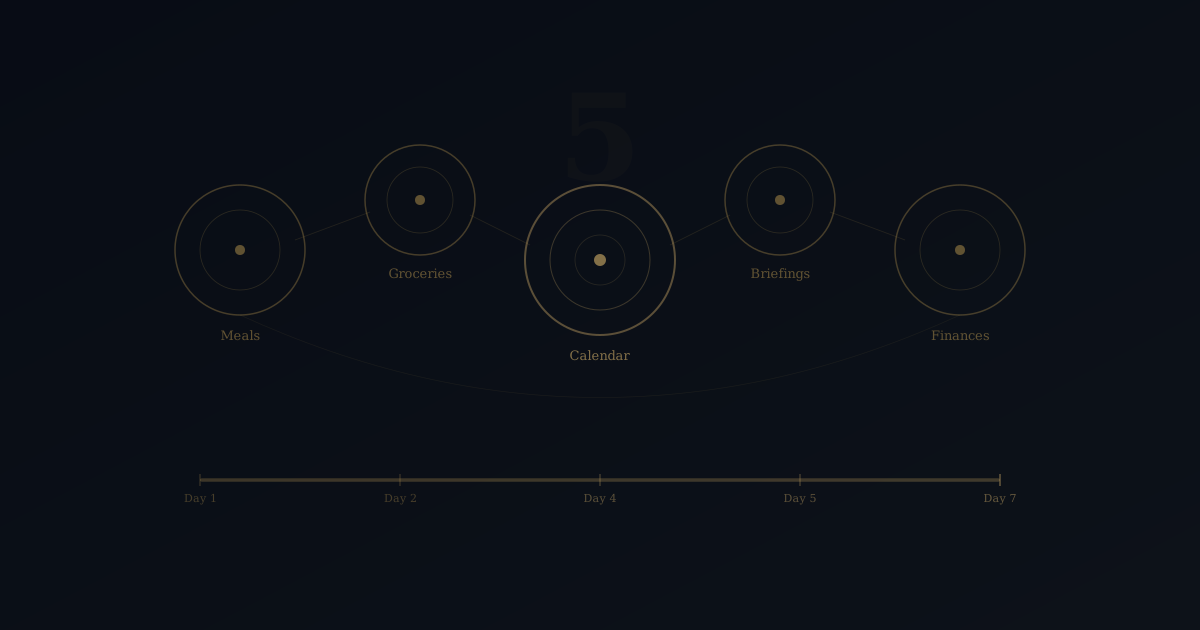
Week 1: Connect and categorize. Link your accounts and let the AI ingest your transaction history. Review its auto-categorization for accuracy — this initial review trains the system and takes about 15 minutes.
Week 2: Subscription and recurring charge audit. Review the list of recurring charges the AI has identified. Cancel what you do not use. Downgrade what you underuse. This typically saves $50-$150 per month for the average household.
Week 3: Set thresholds and alerts. Define what you want to be notified about. Spending above a certain amount in a category. Any new recurring charge. Bill increases above a percentage. These are your guardrails — the system runs quietly until one is triggered.
Week 4: Automate savings and allocations. With a clear picture of your actual spending, set up automatic transfers for savings, investments, or debt payoff. The AI can recommend amounts based on your cash flow patterns rather than arbitrary percentages.
The Compound Effect of Financial Visibility
The immediate savings from a subscription audit or bill optimization are tangible. But the larger value is behavioral. When you have persistent visibility into your finances — not a quarterly check-in, but ambient awareness — spending decisions improve automatically.
You do not need willpower to avoid overspending when the system tells you, calmly and without judgment, that you have already hit 80% of your dining budget by the 15th of the month. The information itself changes the behavior.
Over 12 months, this compounds. Subscriptions stay lean because new ones get flagged immediately. Bills stay optimized because rate creep gets caught quarterly instead of never. Savings grow because the automation runs whether you think about it or not.
Do Not Waste the Clarity
Tax season gave you something valuable: a forced, detailed look at your financial life. That clarity has a half-life. If you are reading this in April, you are still in the window.
For a deeper look at how AI handles budget management, read our guide on automating your budget with AI.
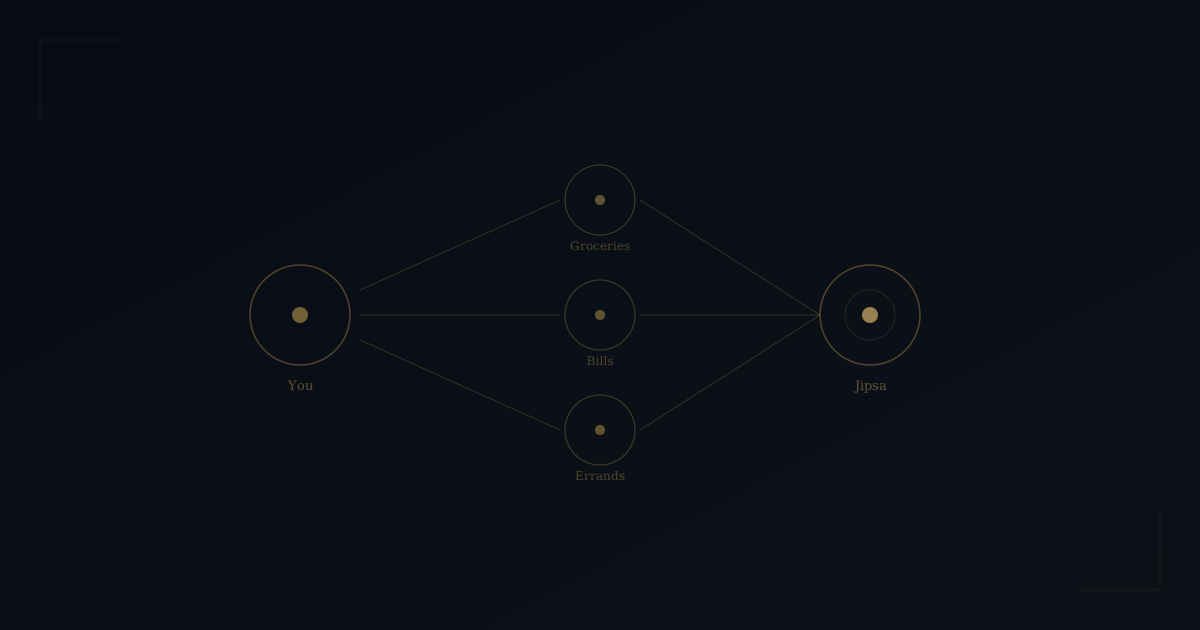
Jipsa tracks your spending, audits your subscriptions, optimizes your bills, and keeps your finances visible — all without spreadsheets, apps you will abandon, or weekly review sessions. You did the hard part during tax season. Let AI handle the rest.
Free Download
The AI Home Management Checklist
42 tasks AI can handle for your household — from meal planning to home maintenance. See exactly what to automate first.
Ready to let Jipsa handle this for you?
Try Jipsa while it's still in beta — free to use.